TG Mobile App Features
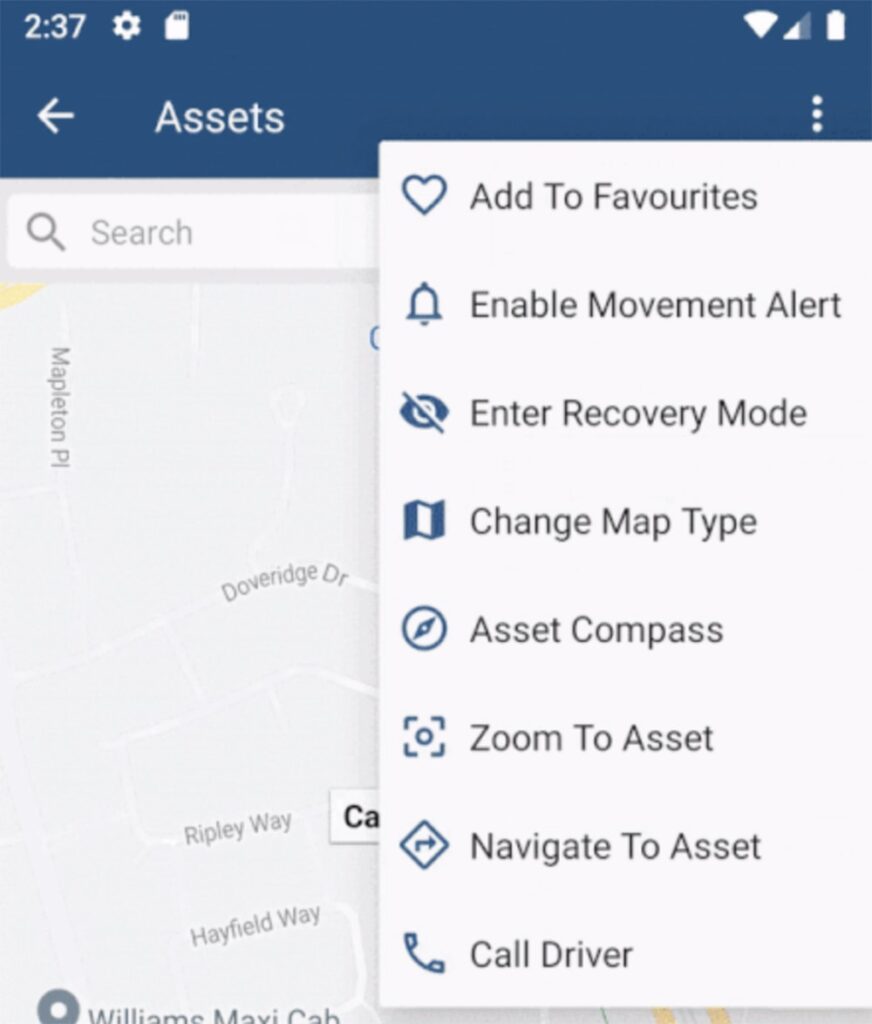
The TG app allows for the ability to call the current driver of an asset direct from the app. Against any asset, we can see the current driver. So if there is a problem related to this asset, it’s convenient to

The TG app allows for the ability to call the current driver of an asset direct from the app. Against any asset, we can see the current driver. So if there is a problem related to this asset, it’s convenient to

Against an asset in TG Online, we have an option under the Advanced Tab: Update Asset Project from Destination Geofences. The function of this feature is described in the blue tooltip when we mouse-over. So what does it do? When our assets make

Points of Interest and Distance Order Markers are available on the live view in TG Online, and help to quickly identify the answers to questions like “Which of my assets is nearest to this place/point?” – and make the map easier

This feature is currently available on: Bolt, Dart2, G62, G100, G120 Ensure you are on the latest version of firmware to use this feature. Check the device release notes for more information. Digital Matter devices have the capability to accumulate run

When you create a user in TG Online, that user account is created in the Organisation that you are currently logged in to. For example, if you’re a partner of Organisation A, with B, C and D as subsidiaries, you’ll need

In TG Online, Events and Alerts are similar, but different. In general they operate in much the same way, and are linked. Alerts An Alert Condition is a statement about device information that results in the Alert either being “Active” or

TG Online can support custom map overlays. Often users such as mine sites wish to be able to overlay aerial images, or more up to date maps onto a tracking platform. Aerial images make locating devices and seeing the actual position

The TG Tracking App supports conducting ‘pre-start checks’ which are a key compliance requirement in many industries and for many organisations. The app and TG system can be used to easily collect and store checklist data – replacing paper checklists. This

Tracking utilisation is a key reason that telematics devices are installed across fleets. Rather than being an expense, tracking devices and software can easily generate an ROI. The data gathered can be analysed to improve efficiency, workflows and reduce waste. Our

Asset Health gives status summary information at a glance, and allows you to investigate and address unhealthy assets.
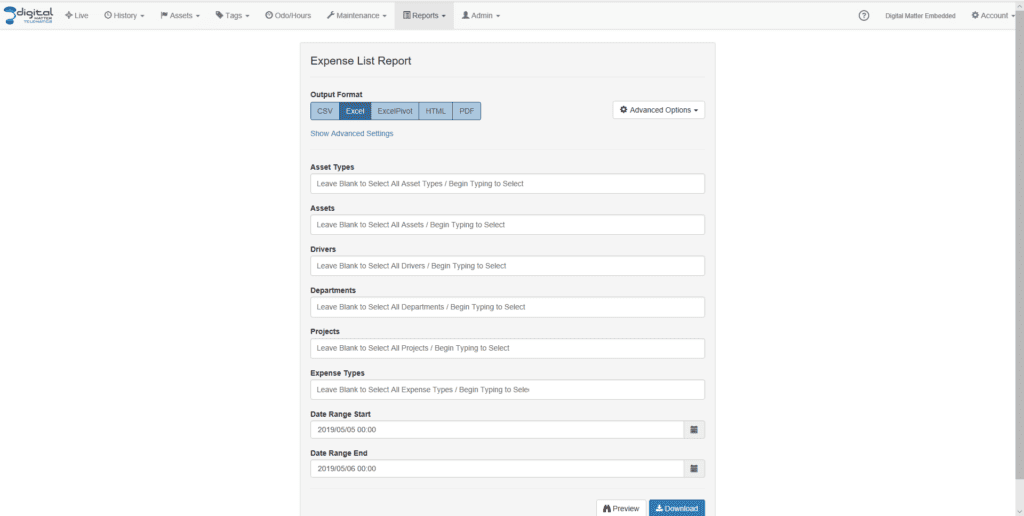
TG Asset Expense Tracking – Getting Started Introduction “Asset Expense Tracking” allows users to: Add expenses linked to an asset, with references to drivers, projects and departments if the organisation functionality permits. View captured expenses online. Report on captured expenses. Before

There are multiple configuration options for assets. Often when setting up system features, a similar configuration needs to be set for each asset, or even 1 single change may need to be made to all assets. Asset Bulk Changes makes this

When you create a user in TG Online, that user account is created in the Organisation that you are currently logged in to. For example, if you’re a partner of Organisation A, with B, C and D as subsidiaries, you’ll need

Multi-Layer Geo-Fences When you need to monitor speed off established roads, for example; Farmland or Off-Road vehicle routes, you can use Geo-Fences to establish and track speeds in vehicles. In this Example, we’ll walk through creating a Multi-layer Geo-Fence to track