Adding a New User
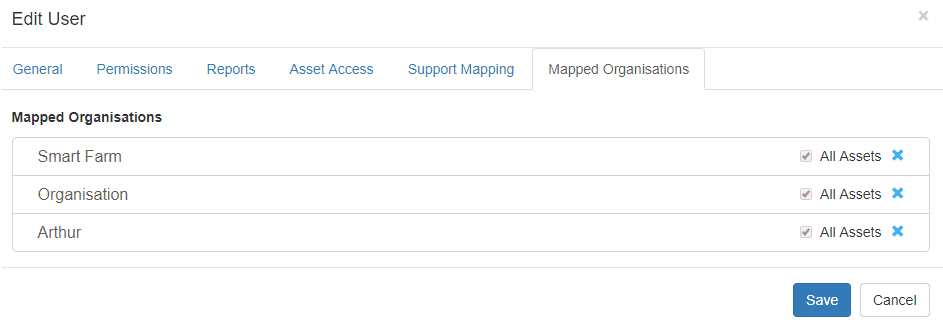
The Simplest way to add a new user is to navigate to their home organisation as per above, and go to Admin >> Users and click on ‘Invite User’. From here Telematics sets up a basic user template and sends an invite link with a temporary password to the email you input. The User will drop into the Menu below, and then you can click ‘Edit’ to start setting up their profile.
General
On the General tab, you’ll find standard input details that help set up your Telematics user experience. These include Time zones, units used and syntax. After you Invite/Create a user, be sure to click the Enabled checkbox at the bottom.